Preserve
Refresh a family album
Create clearer digital copies of old prints before age, light, or repeated handling causes more damage. Keep the physical originals after digitizing them.
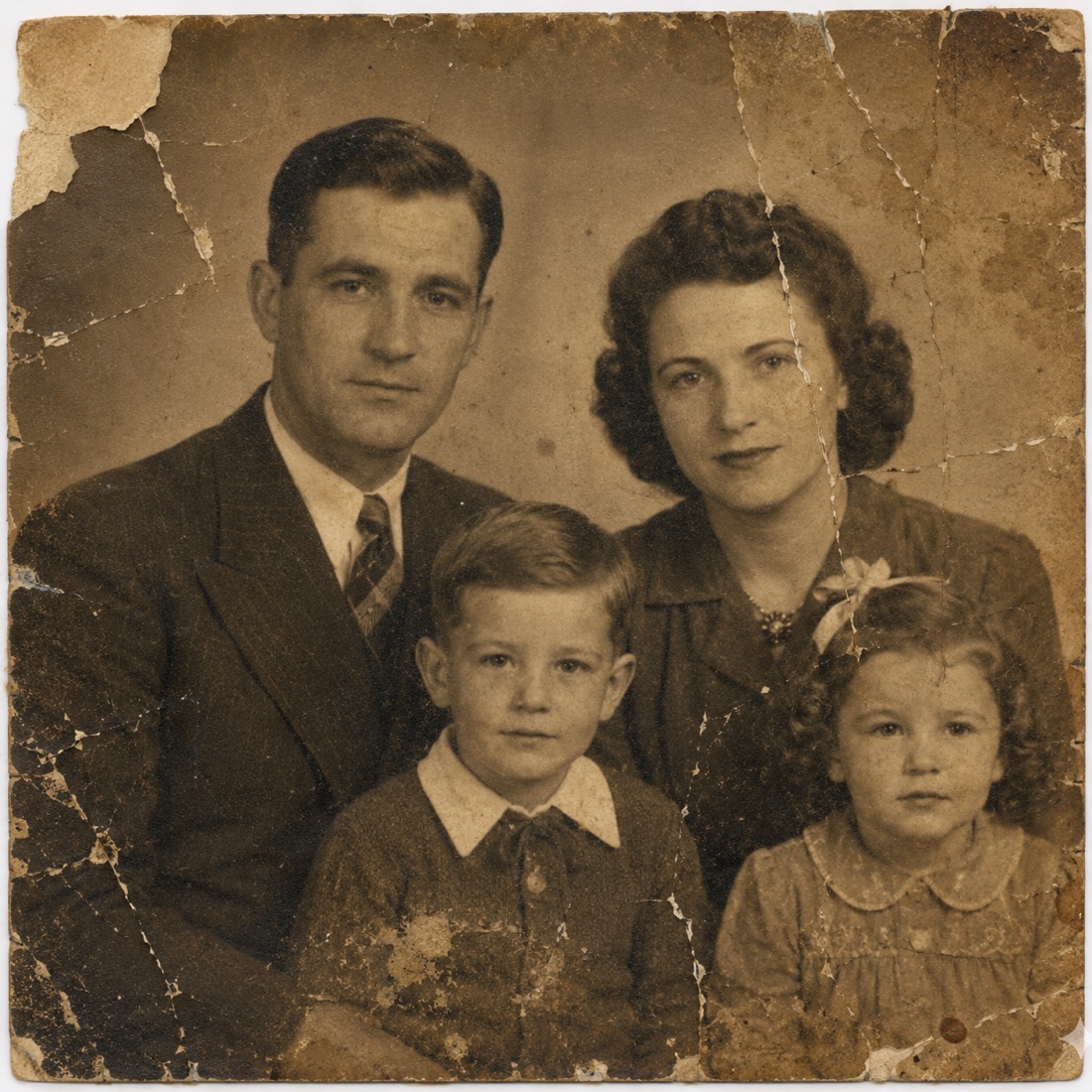
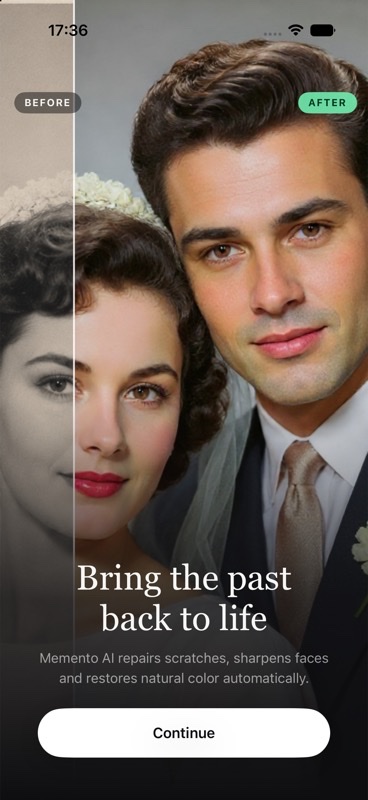
Repair scratches, sharpen blurry faces, and bring faded color back to family photos in a few taps. Memento keeps your original untouched and puts every result beside it for comparison.

Free Standard saves · No watermark
HD export with Memento Pro

drag to compare — drop your own photos in the app
Reduce distracting scratches, dirt, and age marks that pull attention away from the people and places in an old photograph.
Refresh faded color photos or create a natural-looking color version of a black-and-white family picture.
Improve soft portraits and reveal clearer facial detail without learning a complicated manual photo editor.
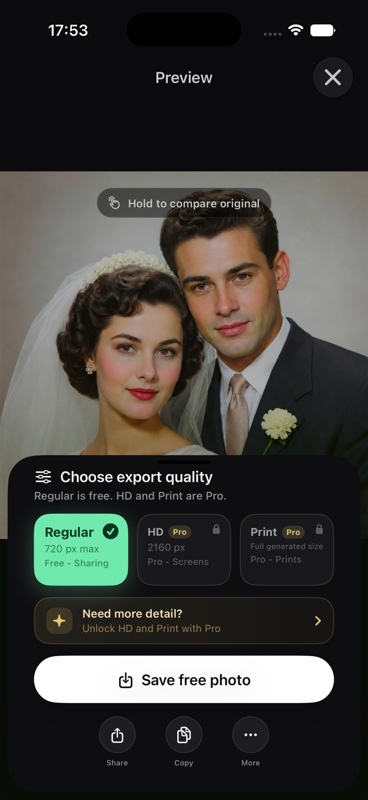
Press and hold to reveal the original, judge the restored details for yourself, then save the version you prefer.
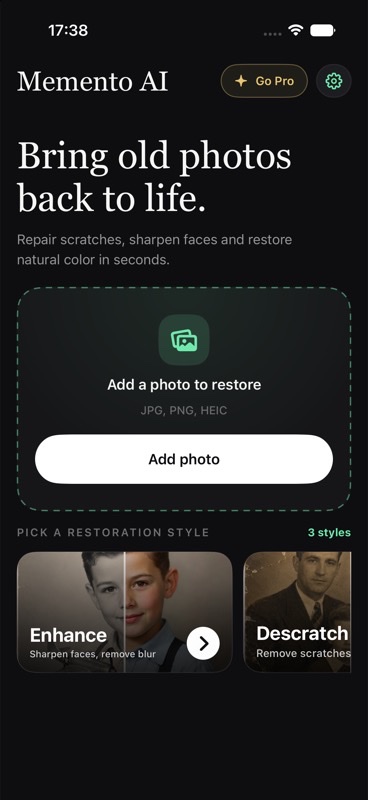
Pick one picture from your photo library or capture a printed photograph with your iPhone camera.
Enhance a blurry portrait, restore natural color, or reduce visible scratches and dirt.
Review the restored image beside the original. Save Standard for free or use Pro for HD detail and private History.
Create clearer digital copies of old prints before age, light, or repeated handling causes more damage. Keep the physical originals after digitizing them.
Restore a wedding portrait, childhood snapshot, or picture of a loved one before framing it for a birthday, anniversary, or family gathering.
Make faces and scenes easier to recognize before sharing old photographs with relatives who may never have seen the originals.
Memento accesses only the photo you select through the system photo picker or camera. That selected image is sent to an AI restoration service to generate the result. Unrelated pictures from your library are not uploaded.
Restoration History is stored in the app's private local container on your device, not in a cloud account. You can clear local History in Settings.
You decide which image enters the restoration flow.
Pro History records remain in Memento's private app storage on your device.
Read the Privacy Policy for details about photo processing and service providers.
Memento is designed for faded, scratched, blurry, damaged, and black-and-white photos. The quality of the result depends on how much usable detail is present in the original image.
Yes. Choose color restoration to create a natural-looking color version, then compare it with the original black-and-white photo before saving.
No. Memento generates a separate restored result. Your original remains unchanged, and the comparison view lets you inspect both versions.
You can use Memento and save a Standard restoration for free without a watermark. Memento Pro is optional and unlocks HD export and private on-device History.
No. Memento processes only the image you intentionally select. It does not upload the rest of your photo library.
AI restoration estimates details and color from the available image. It can make a photo clearer, but it cannot verify details missing from the original. Compare the result carefully when historical accuracy matters.
History is stored in Memento's private local container on your device. It is not currently synced to an account or cloud history service.
No. Select a photo, choose a restoration, and review the result. Memento is a focused restoration workflow rather than a complicated manual editing suite.
Protect the physical print, create a strong digital master, review AI changes, and preserve every version.
Read the guide → iPhone repairSeparate scratches, fading, blur, and capture problems before choosing the right restoration.
Read the guide → Color restorationCreate a vivid color interpretation while keeping the historical original and its uncertainty visible.
Read the guide →Choose one faded, scratched, or blurry picture. Compare the restored result and save a Standard copy for free.